

Download Spyware Terminator – spyware protection, malware scanner, antivirus app, real-time security, mobile security
Overview
Spyware Terminator is a mobile security application designed to protect Android devices from a range of digital threats, including spyware, adware, Trojans, and keyloggers. The app aims to provide users with reliable defense mechanisms while browsing the internet or using sensitive applications. By offering real-time protection, it helps prevent unauthorized access and data leakage, making it a valuable tool for individuals concerned about privacy and device integrity. The target audience includes everyday smartphone users, remote workers, and anyone who values digital safety on their mobile devices.
Although the developer did not provide additional technical details about their background or history, the app’s focus on comprehensive malware detection suggests a dedicated approach to mobile security. It is intended to serve as a utility for users seeking an accessible way to scan for malicious software and maintain a clean device environment. Real-world use cases include safeguarding personal data during online banking, protecting sensitive communications, and ensuring that no hidden tracking software runs in the background. In the current app ecosystem, where mobile threats are increasingly sophisticated, tools like Spyware Terminator fill a critical gap by offering an accessible layer of defense for users without advanced technical knowledge.
Key Features & Functionality
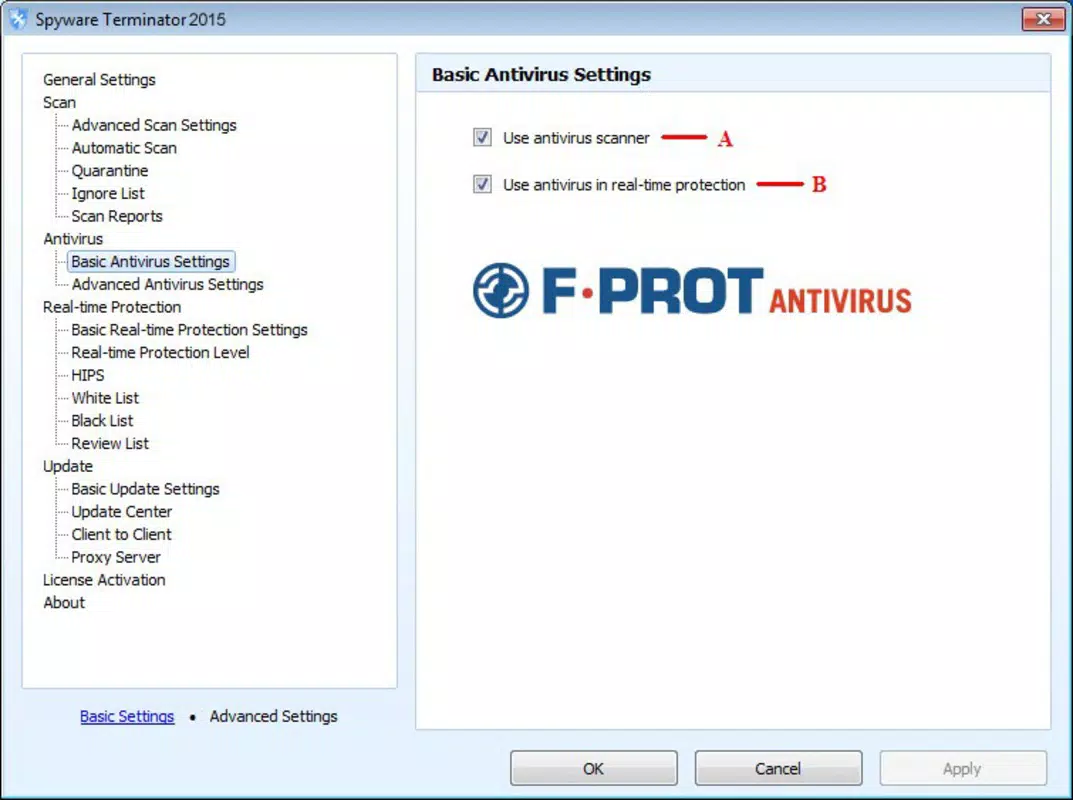
- Real-time Protection – Monitors device activity continuously to detect and block malware as it attempts to infiltrate the system.
- Comprehensive Malware Scanning – Performs detailed scans to identify spyware, adware, Trojans, keyloggers, and other malicious software.
- Manual Security Level Configuration – Allows users to adjust protection intensity based on their personal risk tolerance and device usage patterns.
- One-by-One Scan Engine – Conducts thorough, individualized checks for suspicious files and invalid registry entries to ensure no threat goes unnoticed.
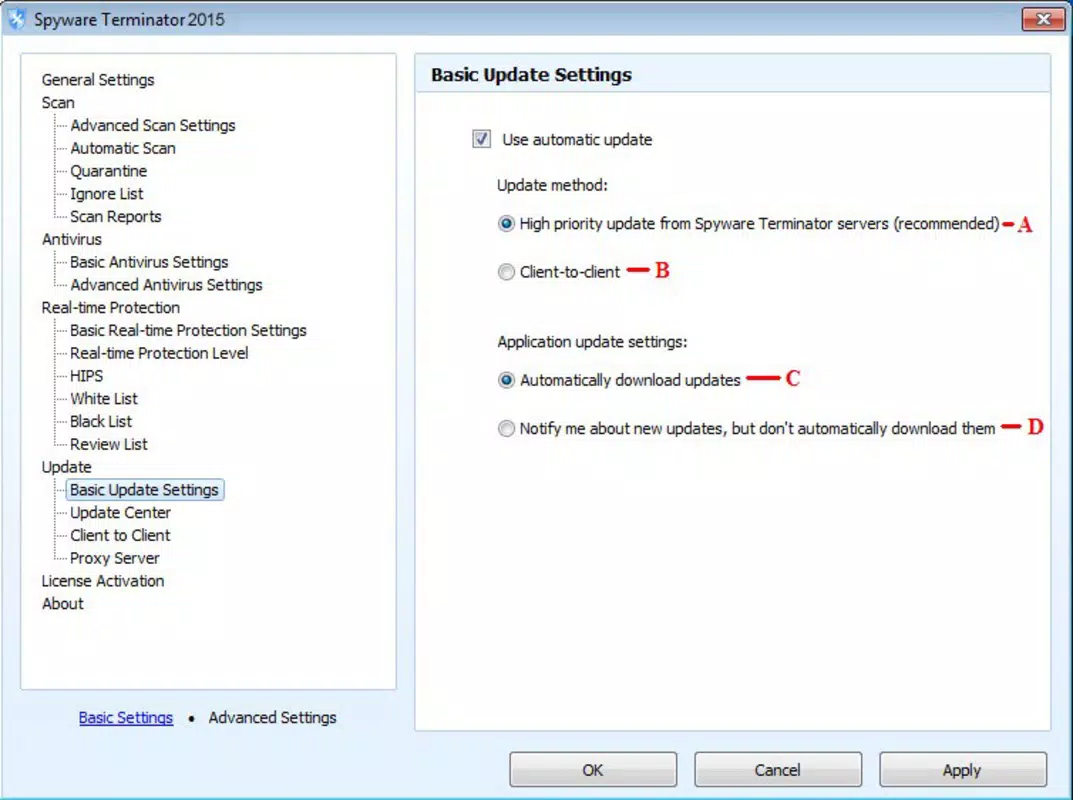
- Malware Database Updates – Regularly refreshes its threat detection database to stay effective against emerging threats.
Each feature is designed to enhance user control and security. For instance, real-time protection ensures that users remain safe during web browsing or app usage, preventing malware from executing. The manual security level setting enables users to balance performance and protection—ideal for those who use their devices for both casual and high-risk tasks. The one-by-one scan engine is particularly useful for users who want to perform deep diagnostics after noticing unusual device behavior. This functionality supports proactive threat management, helping users maintain long-term device health and confidence in their digital environment.
Interface, UX & Performance
The user interface of Spyware Terminator appears to be designed with simplicity and clarity in mind, prioritizing ease of access to core security functions. Navigation is expected to be straightforward, allowing users to initiate scans, adjust settings, and view threat reports with minimal steps. The visual style likely emphasizes clean layouts and intuitive icons to reduce cognitive load, especially for non-technical users.
Although the developer did not list formal performance metrics, the app’s 12.3 MB size suggests it is lightweight and optimized for efficient operation across a range of Android devices. It is expected to run smoothly on mid-tier and higher-end smartphones without causing significant battery drain or memory usage. Responsiveness is likely to be consistent, with quick load times for scans and real-time alerts. Stability appears to be a focus, given the app’s purpose of continuous monitoring. Users can anticipate reliable operation during extended sessions, though specific device compatibility details were not disclosed.
Platform Compatibility & Technical Requirements
Spyware Terminator is available exclusively on the Android platform, making it accessible to users of Android smartphones and tablets. The app requires Android OS version 6.0 or higher, though the developer did not specify minimum OS requirements in detail. The application size is 12.3 MB, which indicates a compact footprint suitable for devices with limited storage space.
Given the app’s focus on security, compatibility with various screen sizes and hardware configurations is assumed to be well-considered. However, specific requirements such as RAM, processor architecture, or supported device types were not provided. Users should ensure their devices meet standard Android system requirements to run the app effectively. The app’s free pricing model further enhances accessibility, allowing a broad audience to install and use it without financial barriers.
Pros and Cons
Pros
- Free to download and use, reducing access barriers for users.
- Offers real-time protection against a wide range of malware threats.
- Provides customizable security settings for personalized protection levels.
- Lightweight design with a small file size of 12.3 MB.
- Designed with a focus on usability, suitable for non-technical users.
Cons
- Specific technical specifications and compatibility details were not listed.
- Developer background and company information were not disclosed.
- Performance metrics and battery impact were not provided.
- No information on update frequency or support channels.
- Limited details on data handling and privacy practices.
FAQ
Is Spyware Terminator safe to install on my Android device?
Yes, the app is designed as a security tool and is free from known malware. However, users should only download it from official sources to ensure authenticity and avoid potential risks.
Does Spyware Terminator require a subscription to use all features?
No, the app is currently offered free of charge with no hidden subscription fees. All core features are accessible without payment.
Can I use Spyware Terminator on older Android versions?
The developer did not specify minimum OS requirements. It is recommended to check compatibility with your device’s system version before installation.
How often does the malware database update?
While the update frequency was not disclosed, the app is designed to refresh its threat detection database regularly to maintain effectiveness.
Does Spyware Terminator collect personal data?
The developer did not provide information on data collection practices. Users concerned about privacy should review the app’s permissions and terms of service carefully.
Final Thoughts
Spyware Terminator presents a practical solution for Android users seeking enhanced protection against modern mobile threats. With its focus on real-time security, customizable scanning, and a lightweight design, it delivers strong value for users who prioritize privacy and device safety. The free pricing model makes it highly accessible, while its straightforward interface ensures usability across different skill levels.
While some technical and transparency details are missing, the app’s core functionality is clearly defined and aligned with user needs. It is particularly beneficial for individuals who frequently use their devices for sensitive tasks such as online banking, messaging, or remote work. For those looking to strengthen their mobile security without complexity or cost, Spyware Terminator stands out as a reliable option.
Download Spyware Terminator now


